Articles by "SharePoint"
Showing posts with label SharePoint. Show all posts
Remote, IT Service, Business email, G Suite, Office 365, Website, Business, Office Network, Intranet, Server, Social Media
the three most commonly-used areas of Outlook are Calendars, Contacts, and Tasks. These features have corresponding Lists in SharePoint. Therefore, it seems like a no-brainer that each of these Lists in SharePoint can be connected to their corresponding area of Outlook. If the user has Read permission on the List in SharePoint, then they will be able to browse and open the items in Outlook just as they do in SharePoint. If they have Contributor permissions in SharePoint, they will also be able to edit, or even create or delete, the items in Outlook. Whatever permissions they have in SharePoint, they will have the corresponding permission when working with that List in Outlook.

More...
Remote, IT Service, Business email, G Suite, Office 365, Website, Business, Office Network, Intranet, Server, Social Media
Find the SharePoint limits for Office 365 plans and SharePoint Online standalone plans.

Limits by plan


Feature Office 365 Business Essentials or Business Premium Office 365 Enterprise E1, E3, or E5, or SharePoint Online Plan 1 or 2 Office 365 Enterprise F1
Total storage per organization1, 2, 6 1 TB plus 10 GB per license purchased 1 TB plus 10 GB per license purchased3 1 TB3
Max storage per site collection4 25 TB 25 TB 25 TB5
Site collections per organization 2 million6 2 million6 2 million
Number of users Up to 300 1- 500,0007 1- 500,0007
  • Managed metadata - 200,000 terms in Term Store, 1,000 global term sets, 1,000 groups.
  • Subsites - 2,000 per site collection.
  • SharePoint hosted applications - 20,000 instances per organization.
  • Versions - 50,000 major versions and 511 minor versions.
  • SharePoint groups - A user can belong to 5,000 groups, and each group can have up to 5,000 users. You can have up to 10,000 groups per site collection.

Remote, IT Service, Business email, G Suite, Office 365, Website, Business, Office Network, Intranet, Server, Social Media
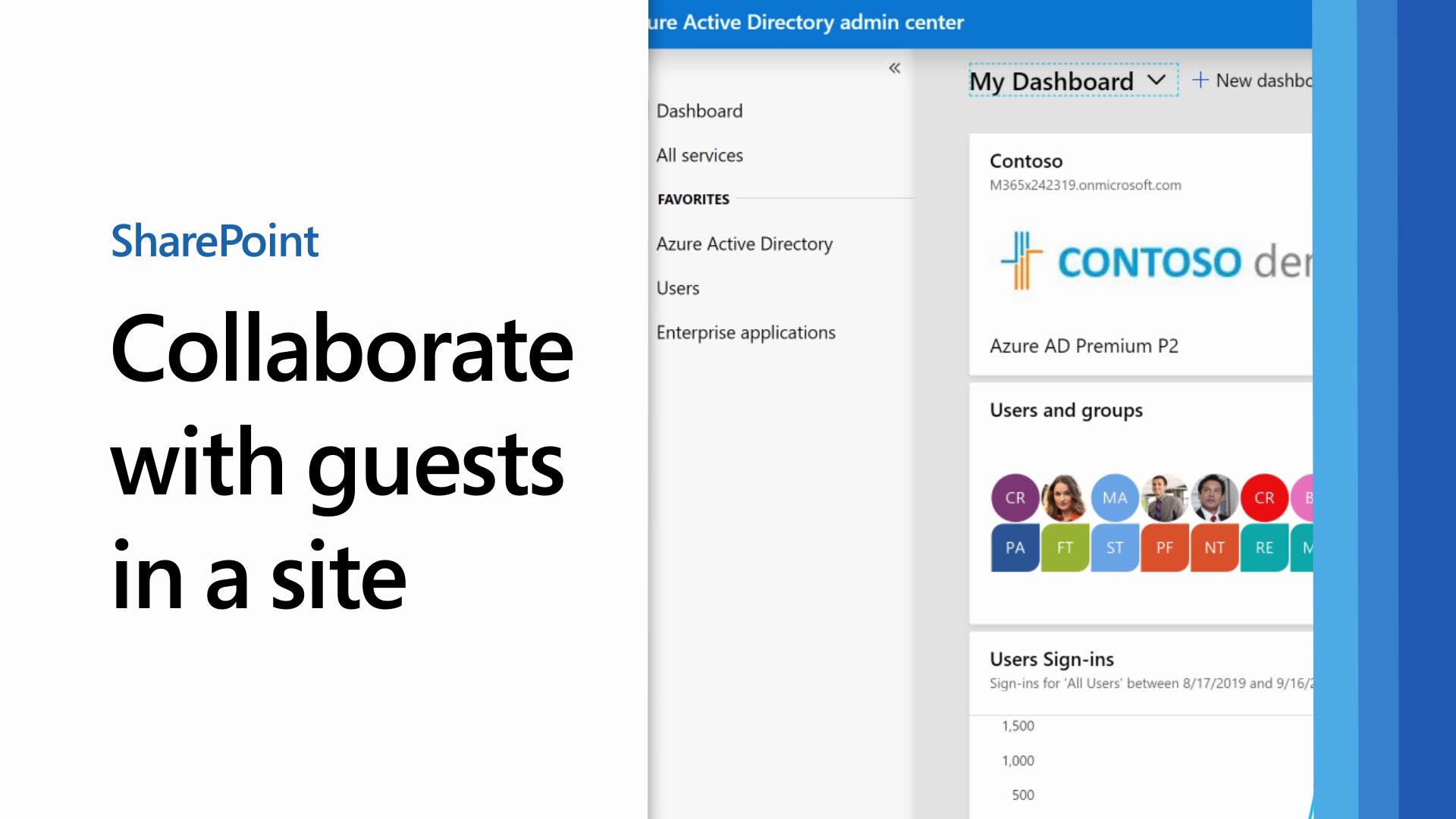
If you need to collaborate with guests across documents, data, and lists, you can use a SharePoint site. Modern SharePoint sites are connected to Office 365 Groups which can manage the site membership and provide additional collaboration tools such as a shared mailbox and calendar.

In this article, we'll walk through the Microsoft 365 configuration steps necessary to set up a SharePoint site for collaboration with guests.

https://docs.microsoft.com/en-us/Office365/Enterprise/collaborate-in-a-site


  1. Azure Organizational relationships settings
  2. Office 365 Groups guest settings
  3. SharePoint organization level sharing settings
  4. Create a site
  5. SharePoint site level sharing settings
  6. Invite users

Image result for Collaborate with guests in a site